

1. Ask for a book summary
Ask Tilt Agent: “Review my advisor book. Show accounts missing a model, with stale or missing holdings, or without a current usable proposal. Put the clients and accounts needing attention first.” Check the organization and the coverage in the reply. A book summary can combine account setup, model assignment, holdings freshness, proposal coverage, and optimization failures. Ask for a named client or account when a summary needs more detail.2. Review the proposal queue
Ask: “Show this week’s optimization and proposal queue: completed proposals ready for review, work still running, failures, and accounts with no usable proposal.” Check the date window for activity counts. A proposal created before that window can still be the current result for an account. Status, failure, and missing-proposal claims require account-level inspection; a count alone cannot identify which account needs action.
Use the book view to choose an account, then inspect its proposal.
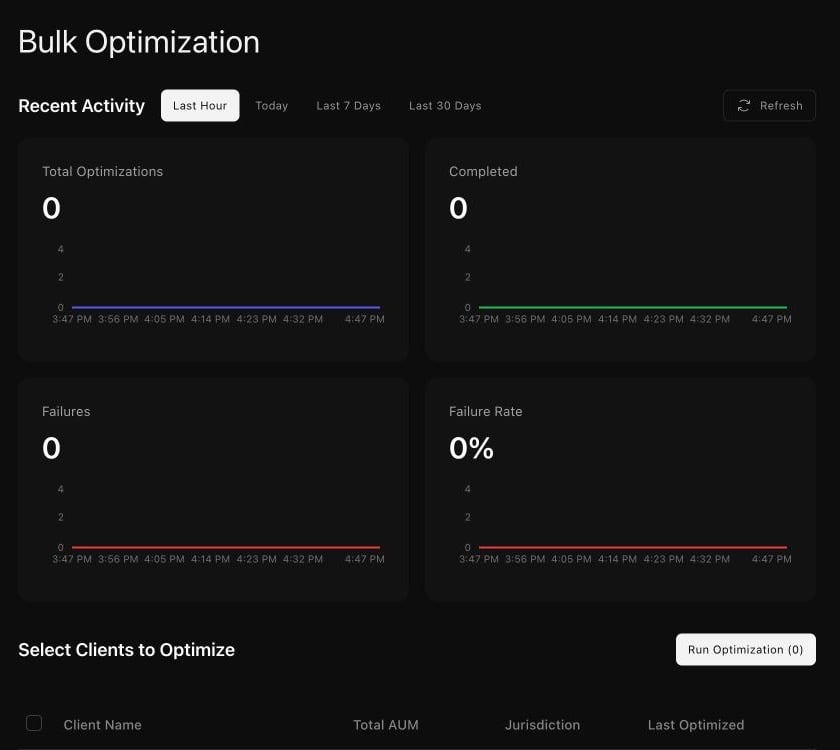
The Bulk Optimization view separates recent activity from client selection.