

Start with a chat
Use a chat for research, analysis, drafting, and work in Tilt. Include the client, account, household, Tilt, or portfolio that the work concerns. Add the evidence, format, and limits that matter. Tilt Agent can turn a successful conversation into reusable work:Find work in Library
Library contains saved Files, Scripted Artifacts, Tilts, Posts, and other items available in your workspace. Use search or choose a section when you know which item you need.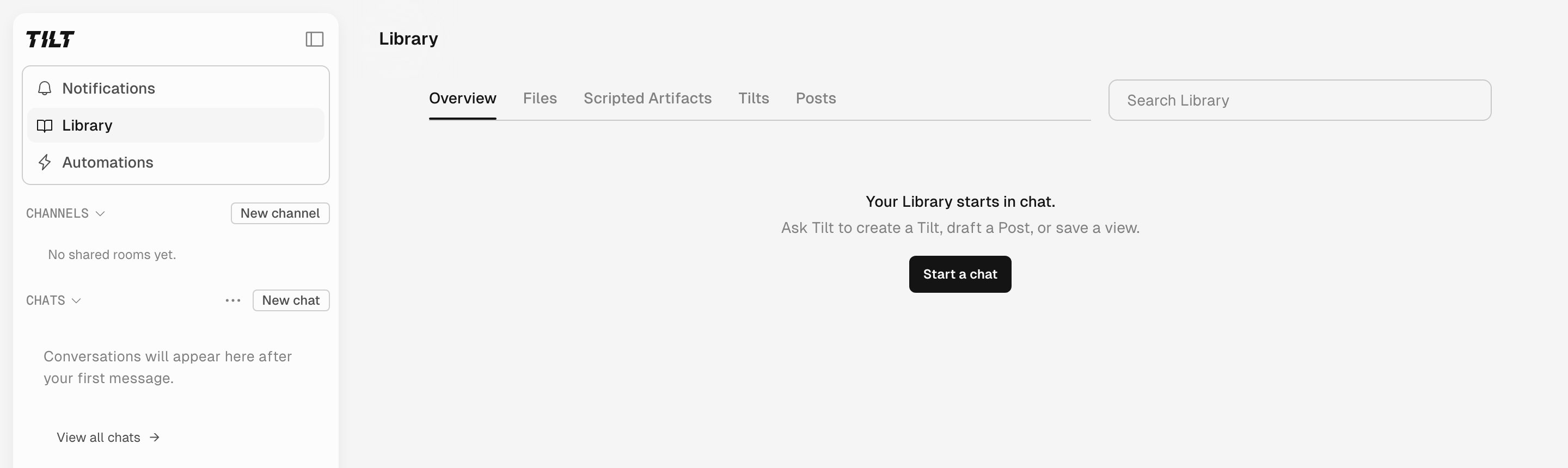
Library groups saved work by type.
Add a guidance pack
Guidance Packs add starter prompts, workflows, and suggested automations for a type of work. Open Settings > Guidance Packs to see the packs available to you.Build reusable work
Create a Personal Skill
Teach Tilt Agent a reusable workflow in chat.
Import an external skill
Import a trusted skill and adapt it for Tilt.
Create a Scripted Artifact
Turn a useful view into a dashboard in Library.
Create an automation
Ask Tilt Agent to repeat work on a schedule.
Work with an advisor book
Organize advisor chats, prepare client reviews, and repeat useful work.